Stay FMCSA Compliant with the Smartest Electronic Logging Device
Automate Hours of Service (HOS), simplify compliance, eliminate paper logs, monitor your fleet in real time, and keep your drivers productive with the all-in-one Xpert Log ELD platform.
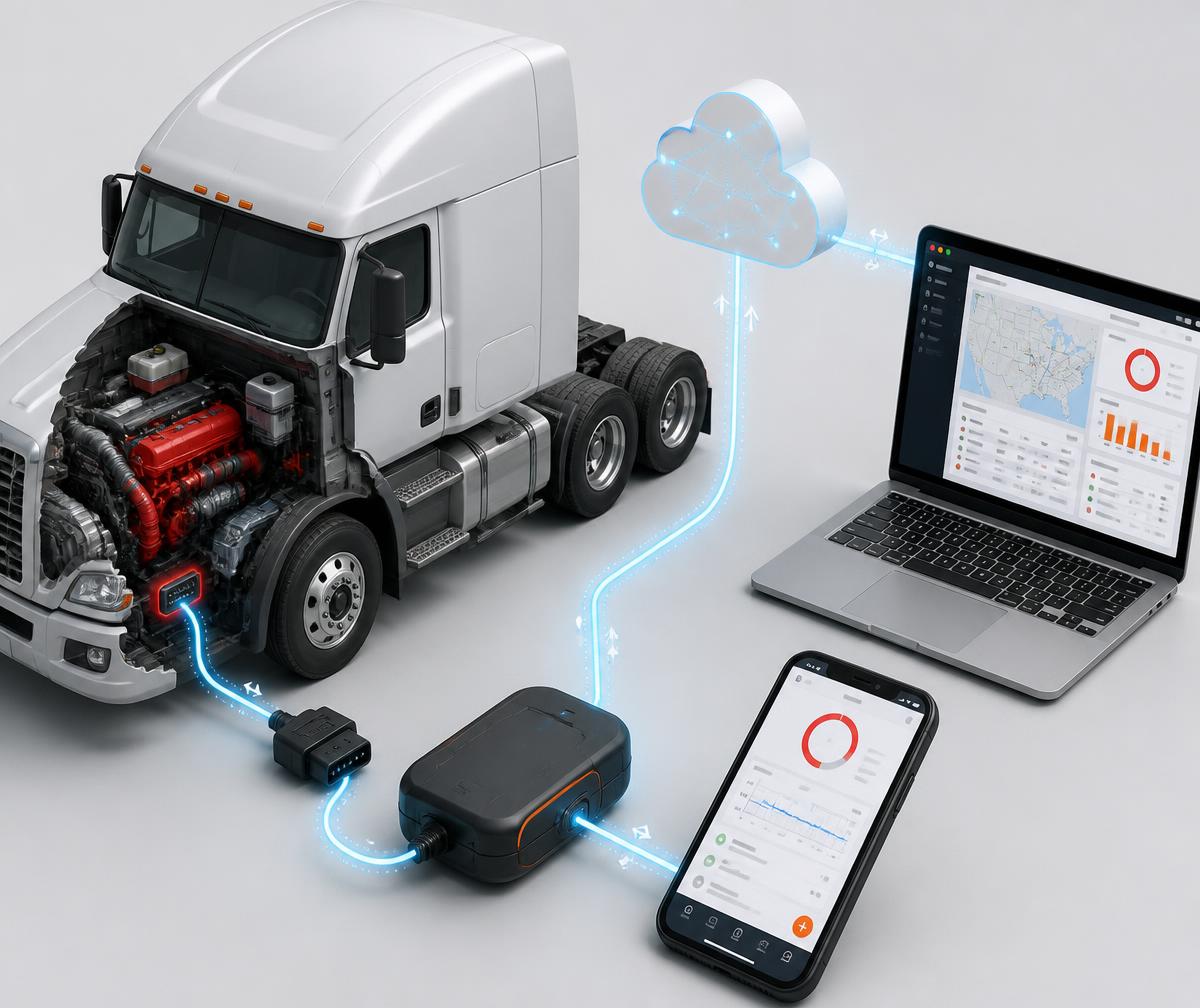
An ELD is hardware synchronized with a commercial vehicle's engine that automatically records driving time and duty status, so drivers and fleets keep accurate, inspection-ready records without paperwork.
Automatically records driving time the moment the vehicle moves.
Replaces paper logbooks with tamper-resistant electronic records.
Tracks Hours of Service and remaining drive, shift and cycle time.
Connects directly to the vehicle engine through the diagnostic port.
Helps drivers stay compliant with FMCSA Hours of Service rules.
Improves fleet visibility, dispatch accuracy and operational efficiency.
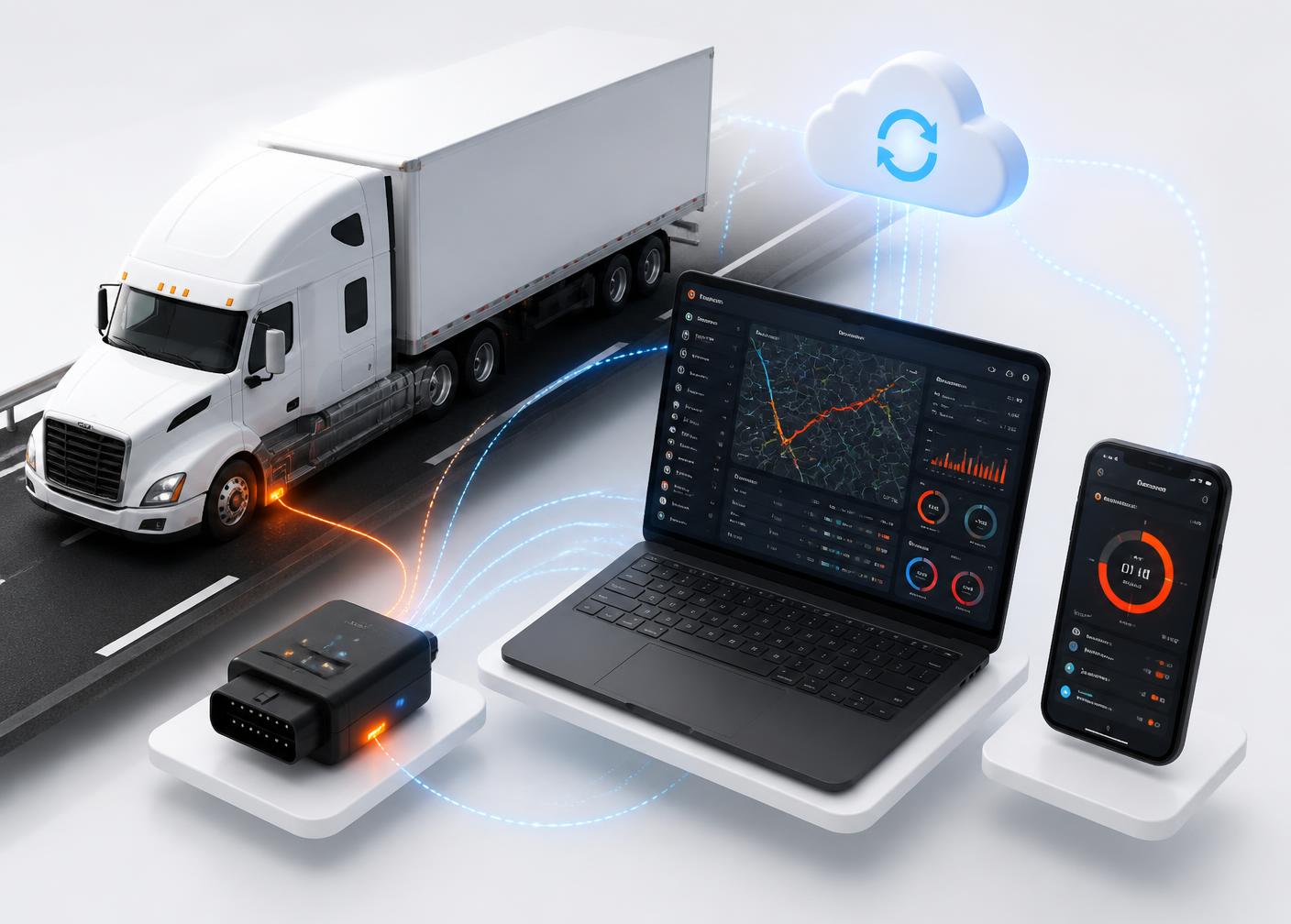
How the data flows
Truck Engine
ELD Device
Driver App
Cloud Dashboard
Fleet Manager
Why Xpert Log
Everything your fleet needs in one ELD platform
Purpose-built for trucking companies, owner operators and fleet managers who need compliance handled automatically and visibility that never sleeps.
Automatic Hours of Service Tracking
Drive time, on-duty and rest are captured from engine data, with no manual entry.
Real-Time GPS Tracking
See every truck on a live map with breadcrumb history and ETA accuracy.
Driver Duty Status Management
One-tap status changes for on-duty, off-duty, sleeper and personal conveyance.
DOT Inspection Mode
Present logs to an officer in seconds, on screen or by email transfer.
Electronic DVIR
Pre-trip and post-trip inspection reports with defect photos and sign-off.
Engine Diagnostics
Read fault codes, engine hours and odometer straight from the ECM.
Fuel Usage Monitoring
Track consumption, idle burn and MPG trends per truck and per driver.
Vehicle Health Alerts
Get notified the moment a fault code or maintenance threshold is hit.
Trip History
Replay any trip with stops, speed and duty status on a single timeline.
Unidentified Driving Detection
Flag and assign unassigned driving segments before they become violations.
Driver Log Editing
Compliant edits with annotations, driver certification and full audit trail.
Cloud-Based Reporting
Compliance, IFTA and utilization reports available anywhere, anytime.
Key Benefits
From paper logbooks to real-time compliance
The difference is not a small upgrade. It is a different way of running a fleet.
Old Paper Logs
Manual
Errors
Time Consuming
Compliance Risks
No Live Tracking
Xpert Log ELD
Fully Automatic
Accurate Logs
Instant Reports
FMCSA Compliant
Live Fleet Visibility
How It Works
Live in five minutes, compliant from mile one
Step 1
Install Plug-and-Play Device
Connect the ELD to the diagnostic port. No tools, no wiring, under five minutes.
Step 2
Connect Driver App
The driver pairs over Bluetooth and signs in on Android or iPhone.
Step 3
Automatic Driving Detection
Duty status switches to driving as soon as the vehicle exceeds five mph.
Step 4
Real-Time Log Recording
HOS, location and engine data stream to the cloud continuously.
Step 5
Fleet Dashboard & Reports
Managers monitor status, violations and utilization from one dashboard.
Live Dashboard
Your whole fleet, on one enterprise-grade screen
Vehicle locations, driver status, remaining HOS, violations, diagnostics and compliance scoring, updated in real time.
Fleet Command Center
Live · updated 3s ago
Vehicles on the road
128
06:42
Remaining HOS
2
Violation Alerts
18,204
Engine Hours
1,392 gal
Fuel Used (24h)
Compliance Score
96%
Based on daily logs, DVIRs and unidentified driving.
Active vehicles, drivers and remaining hours
Unit
Driver
Status
Remaining HOS
Score
TRK-1042
M. Alvarez
Driving
06:12
98%
TRK-2318
J. Whitfield
On Duty
03:47
95%
TRK-0876
R. Osei
Sleeper
10:00
100%
TRK-5590
D. Kowalski
Driving
01:26
88%
Driver
M. Alvarez
Driving
Drive time remaining
06:42:18
Shift
10:15
Cycle
42:30
Break in
02:10
Miles today
318
Logbook›
DVIR›
Inspection Mode›
Driver Mobile App
An app drivers actually like using
Available on Android and iPhone. Clear countdowns, one-tap duty status, and an inspection mode that makes roadside stops painless.
Secure driver login
HOS countdown & duty status
Logbook and DVIR
Roadside inspection mode
Dispatch messaging
GPS navigation
Fuel stops
Trip history
FMCSA Compliance
Built around the way compliance actually works
Xpert Log helps fleets automate HOS recording, simplify roadside inspections and maintain accurate, retrievable records in line with FMCSA requirements.
Hours of Service
Automatic drive, shift, cycle and break tracking against current HOS rules.
ELD Mandate Compliance
Electronic records designed around the technical requirements of the ELD rule.
Driver Vehicle Inspection Reports
Digital DVIRs with defects, photos and mechanic sign-off retained in the cloud.
Automatic Record of Duty Status
RODS generated from engine data, certified daily by the driver.
Roadside Inspection Support
Display, email or web-transfer logs during an inspection in a few taps.
Violation Alerts
Proactive warnings before a driver runs out of available hours.
Electronic Logbook
Searchable, tamper-resistant logbook with a complete edit audit trail.
Compliance Reports
Export audit-ready reports for DOT reviews, insurers and internal audits.
Compliance responsibility always remains with the motor carrier and driver. Xpert Log provides the tools and records that support your compliance program; contact our team for current registration details and documentation.
Powerful Features
One platform, fourteen ways to run a tighter fleet
Automatic Log Recording
Real-Time Driver Tracking
Geofencing
Vehicle Diagnostics
Engine Fault Alerts
Driver Messaging
Trip Replay
Maintenance Reminders
Fuel Analytics
Compliance Dashboard
Reports
Cloud Sync
API Integrations
Mobile App
Who Is It For
From one truck to thousands
Xpert Log scales with you, whether you are an owner operator running solo or a national fleet managing multiple divisions.
Owner Operators
Small Fleets
Medium Fleets
Enterprise Fleets
Construction
Oil & Gas
Logistics Companies
Freight Brokers
Delivery Fleets
Why Xpert Log
Compare it to what you are using today
Feature comparison of Xpert Log, traditional ELD providers and paper logs
Feature
Xpert Log
Traditional ELD
Paper Logs
Automatic HOS
Included
Included
Not available
Real-Time GPS
Included
Limited
Not available
Driver Mobile App
Included
Included
Not available
Cloud Dashboard
Included
Limited
Not available
Fleet Analytics
Included
Limited
Not available
Compliance Alerts
Included
Limited
Not available
Easy Installation
Included
Included
Not available
24/7 Support
Included
Limited
Not available
Customer Stories
Trusted on the road every day
“Our DOT inspections have become much easier.”
Fleet Safety Manager
Regional carrier, 60 trucks
“The easiest ELD system our drivers have ever used.”
Operations Director
Refrigerated freight
“Excellent support and accurate reporting.”
Owner Operator
Long haul, Texas
FAQ
Answers before you ask
Still unsure about something? Our compliance specialists are one call away.
What is an Electronic Logging Device?
Who needs an ELD?
How does Xpert Log help with FMCSA compliance?
Does it automatically track driving time?
Can I edit logs?
Does it work offline?
Is installation easy?
Does it support Android and iPhone?
Can fleet managers monitor drivers live?
Can I generate compliance reports?
Resources
Learn the rules, then automate them
Practical guides on the ELD mandate, Hours of Service and DOT inspections, written for people who move freight.